Inscryption FAQ
The opening Continue button is intentional story design. Reset Game Data is in Options. The Steam Windows save files are SaveFile.gwsave and SaveFile-Backup.gwsave in the game installation folder, according to the linked Steam community guide.
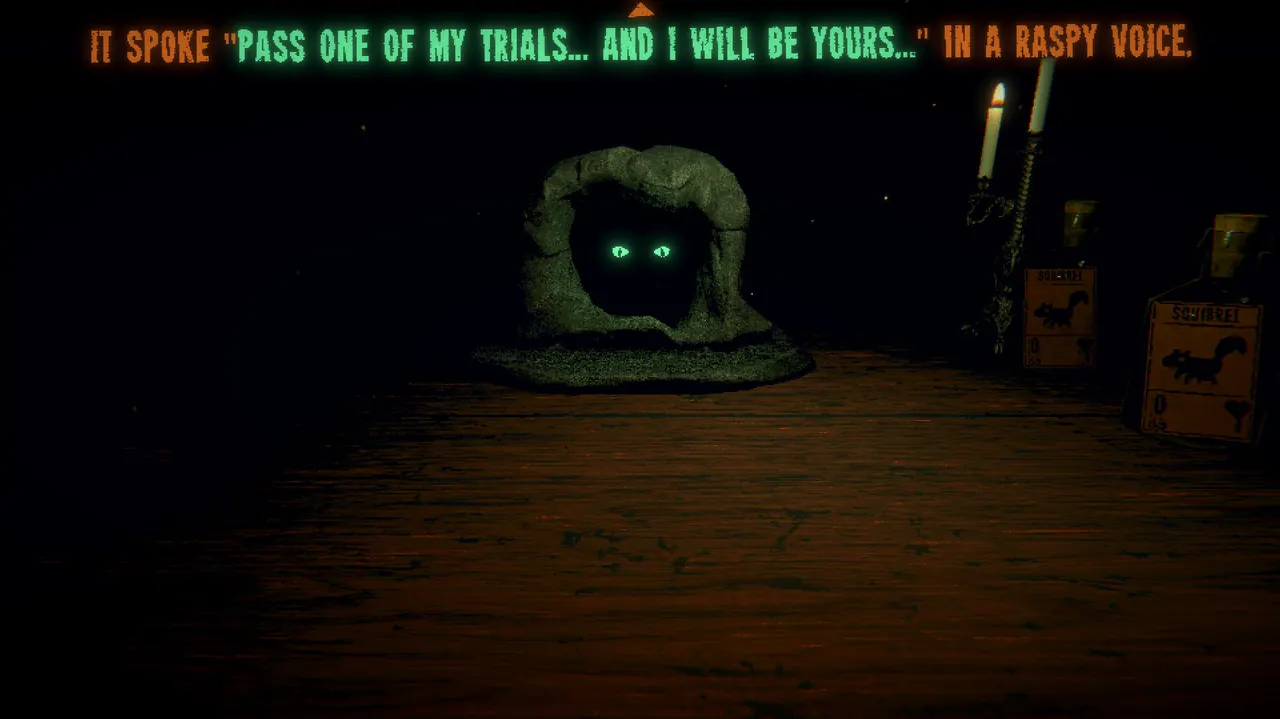
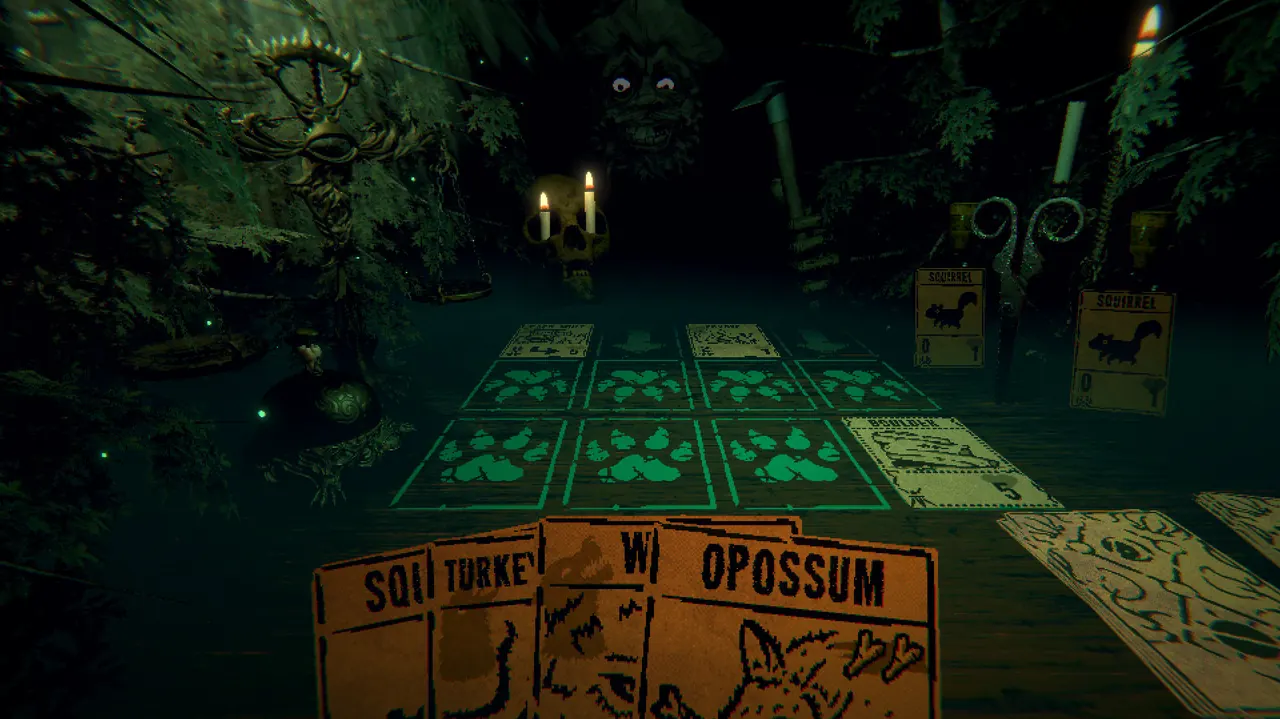
Reset and the file
For the Steam Windows build, open Steam → Properties → Installed Files → Browse. The cited guide places both save files in that installation directory. A default library example is C:\Program Files (x86)\Steam\steamapps\common\Inscryption. This is one accessible community source; other stores and operating systems may differ.
Giving up a run is different from resetting the story. Use Options → Reset Game Data when you intend to clear progress, and read the confirmation prompts. Back up the save and its backup before replacing either file.
FAQ
Why can’t I start a new game?
The first Continue button is intentional. A story reset is available under Options → Reset Game Data.
Where is the save on Windows?
The cited Steam guide places SaveFile.gwsave and SaveFile-Backup.gwsave in the Inscryption installation directory. Evidence: 1 community source.
Related
Sources
- PCGamingWiki: Inscryption — checked 2026-11-04
- Steam discussion: starting over — checked 2026-11-04
- Gaming Stack Exchange: Archivist file question — checked 2026-11-04
- Steam community guide: Finding the save file — checked 2026-11-04